Analytics and Usage Insight
Track asset usage, user activity, system performance and exportable reports for management, business intelligence and compliance needs.
 Book a Demo
iBase brings uploads, metadata, advanced search, role-based access, workflow tools, downloading, sharing, commerce and integration options into one configurable digital asset management platform.
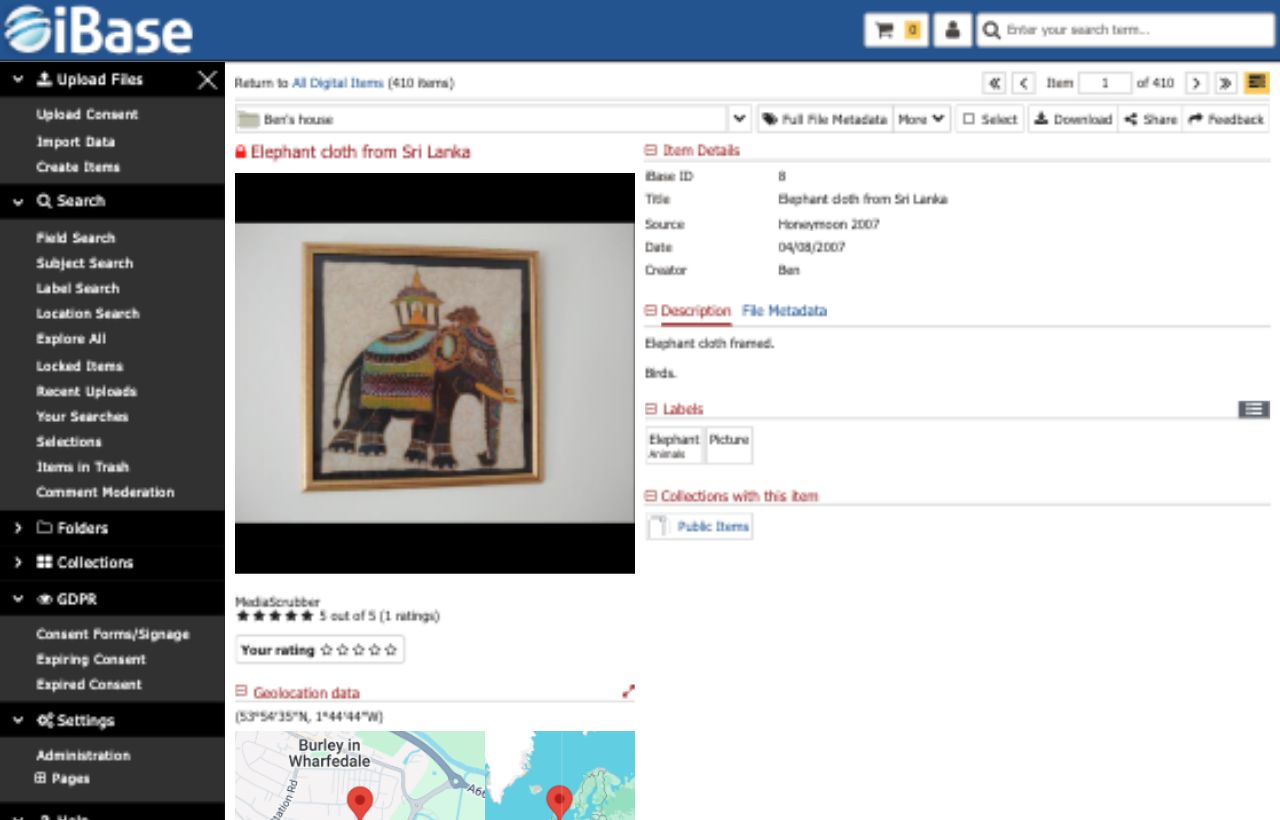
Manage the full asset lifecycle in one place: upload files, enrich records, find content quickly, control permissions, deliver approved downloads and publish material through secure internal or public routes.
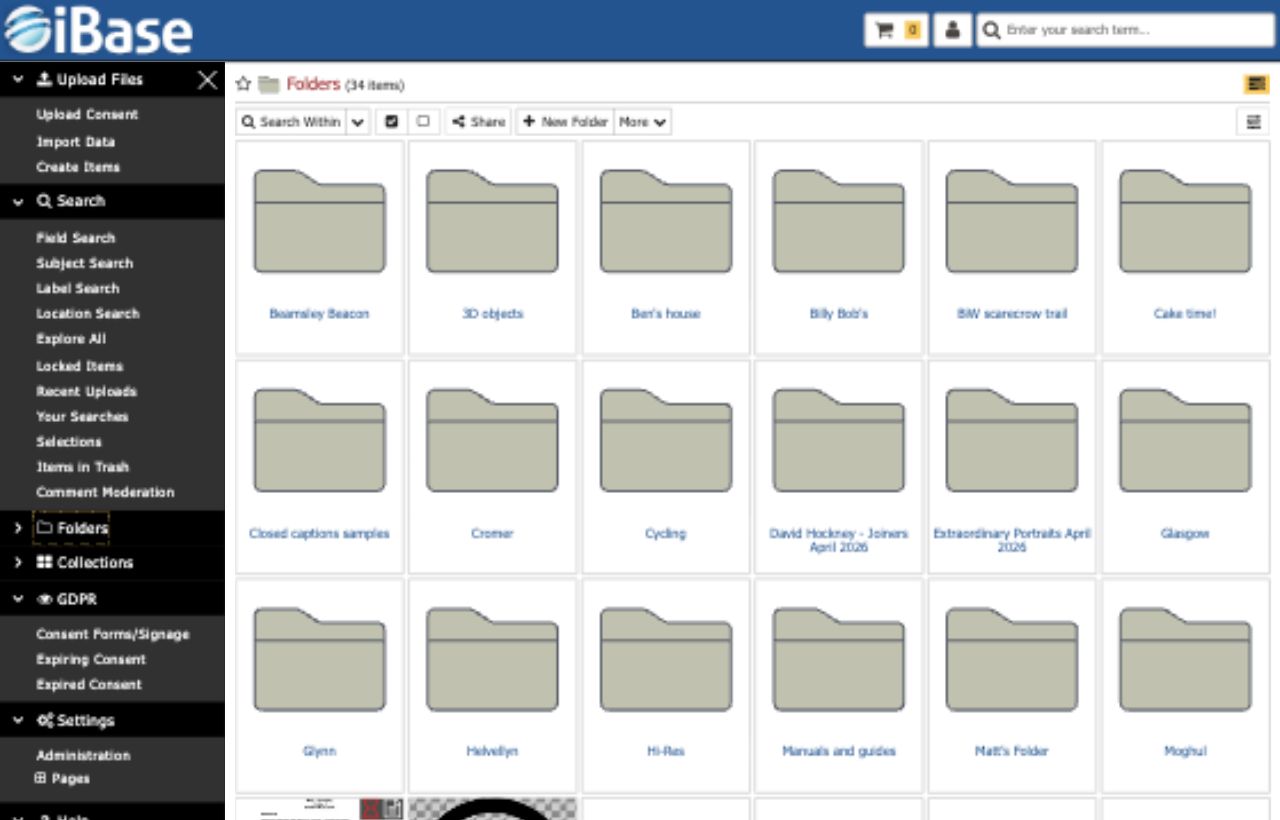
Bring files into iBase by browser upload, drag and drop or hot folders, with support for any file type, previews, folder imports, duplicate detection and embedded metadata import.
Manage descriptive metadata, multiple schemas, hierarchical taxonomies, automatic image tagging, image editing, batch edits, relationships and workflow states.
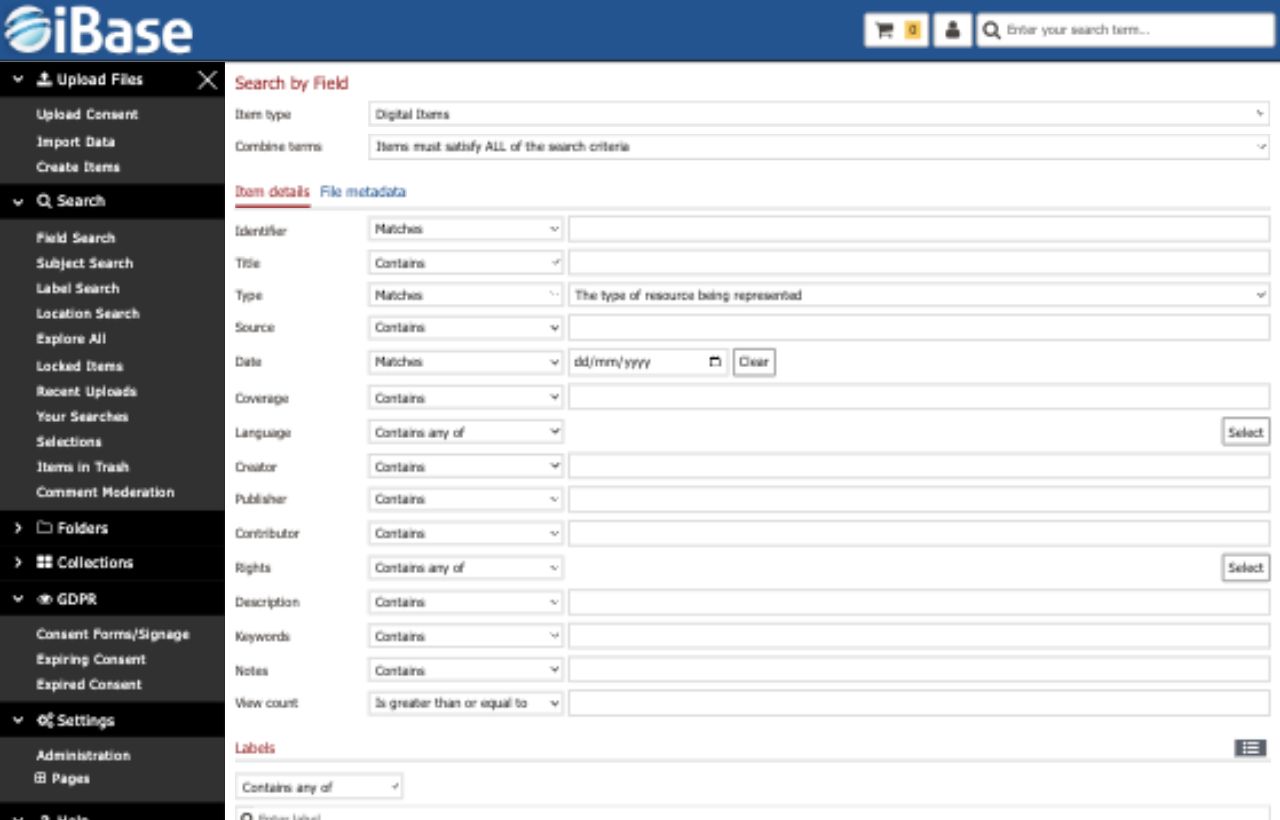
Use quick search, fuzzy matching, advanced field search, taxonomy search, geolocation, result filters and saved or recent searches to find assets at scale.
Control file size, format, compression, versions, embedded metadata, bulk browser downloads, export folders and metadata export options.

Create collections, exhibitions and personal lightboxes, collaborate with other users, share approved material and support public-facing publishing routes.

Support rights-managed and royalty-free licensing, payment integration, multiple currencies, multiple regions, languages, royalty payouts and automatic fulfilment.
Beyond core asset handling, iBase includes the platform controls and deployment options that matter when a repository has many users, sensitive content, public portals or legacy systems to connect.
Secure folder hierarchies, configurable user roles, SSO/AAD options, API access controls, secure hosting and comprehensive auditing help keep files available only to the right people.
APIAuthorised websites and applications can query iBase and retrieve approved assets and metadata through structured JSON-based integration routes.
ScaleiBase is designed for large repositories without forcing artificial limits around user licences, file counts or metadata volumes.
HostingChoose managed cloud hosting or deploy in your own infrastructure, with backup, resilience and platform requirements planned around your governance needs.
MigrationMove existing files and metadata into iBase with mapping, ingestion, data cleansing and repeatable import routes for ongoing structured feeds.
Track asset usage, user activity, system performance and exportable reports for management, business intelligence and compliance needs.
Reduce repetitive work with automatic keyword tagging, file metadata extraction, configurable workflow states and tools that improve asset organisation.
iBase helps collection, marketing and archive teams keep assets usable long after upload, with the metadata, access controls, exports and reporting needed to support regular work and long-term governance.
Folder imports, embedded metadata, duplicate checks, previews and metadata schemas help turn incoming files into searchable records.
Quick, field, taxonomy and geolocation search routes combine with filters, saved searches, collections and lightboxes for repeatable discovery.
Roles, secure folders, versions, watermarking, licensing, downloads, APIs and public portals support governed use beyond the DAM team.
Reporting and analytics help teams understand asset use, user activity, system performance and the evidence needed for management or compliance conversations.