Legacy Data Import
Extract files and metadata from existing locations and move them into iBase with a bespoke approach shaped around the source material.
 Book a Demo
Bring existing files and metadata into iBase with extraction planning, mapping, cleansing, repeatable imports and ongoing ingestion routes that make legacy content easier to rely on.
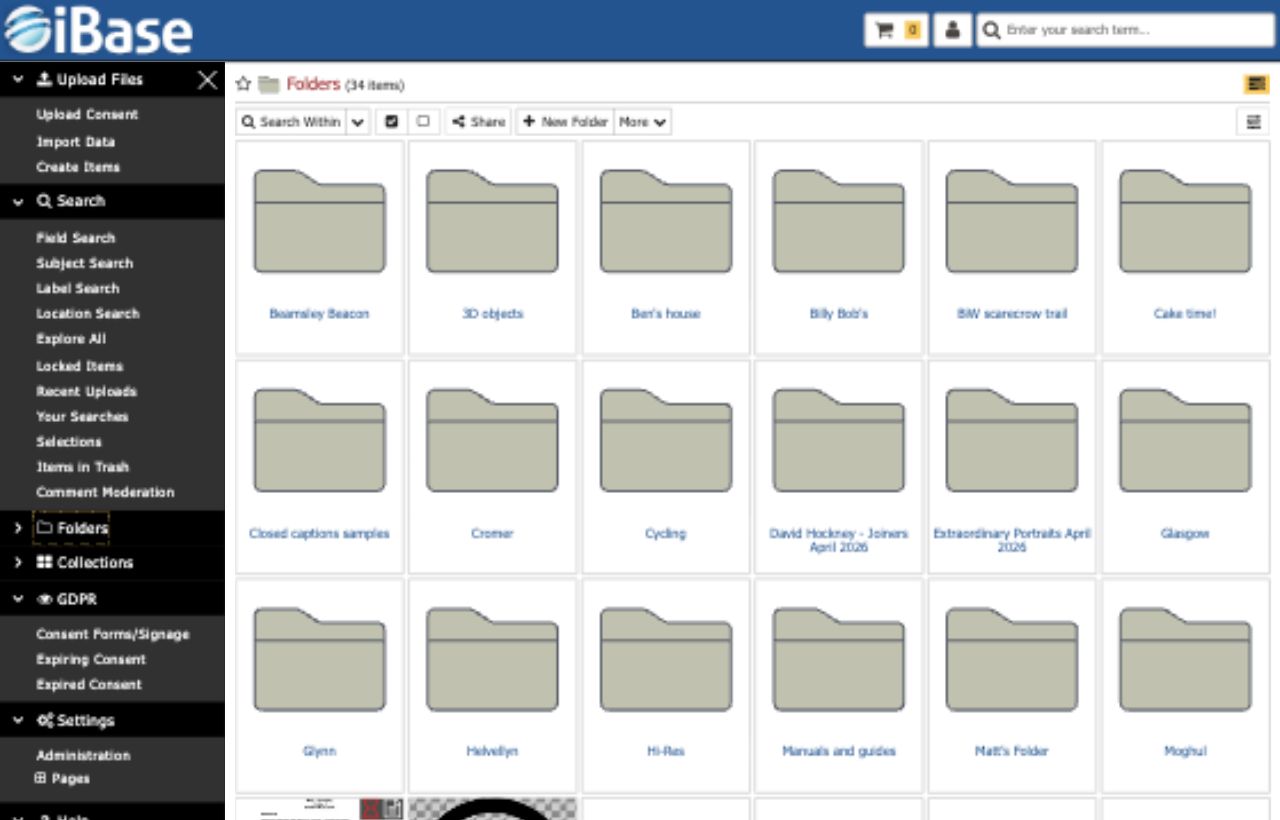
iBase migration support can help teams move from legacy folders, spreadsheets, databases or older DAM systems into a repository with cleaner fields, usable structure and repeatable import logic.
Extract files and metadata from existing locations and move them into iBase with a bespoke approach shaped around the source material.
Point iBase at exported metadata files and use custom data maps so ongoing imports land in the right fields and structures.
Standardise and improve legacy information before or during migration so teams inherit cleaner records rather than old problems.
Migration work is strongest when source data is understood, fields are mapped, imports are repeatable and validation happens before teams rely on the new system.

Map existing metadata into iBase fields so useful legacy context is retained and made searchable.

Move content into structures that support future browsing, permissions and maintenance rather than simply copying old disorder.

Use import processes that can be repeated for staged migrations or regular feeds from other systems.

Identify duplicates, inconsistent values and weak records so issues can be resolved before launch or later migration phases.
Extraction, mapping, cleansing and repeatable imports help make migration accurate, explainable and easier to manage.
Audit files, fields, formats and current folder structures before migration rules are finalised.
Translate legacy metadata into usable iBase fields and improve inconsistent values where possible.
Review imported records, duplicates and search behaviour before teams rely on the migrated repository.