Secure Data Store
Control who can see assets, view specific metadata fields, download files or make changes before any sharing route is opened up.
 Book a Demo
Support colleagues, clients, suppliers and public audiences with secure sharing routes, curated collections, lightboxes, collaboration tools and controlled external distribution.
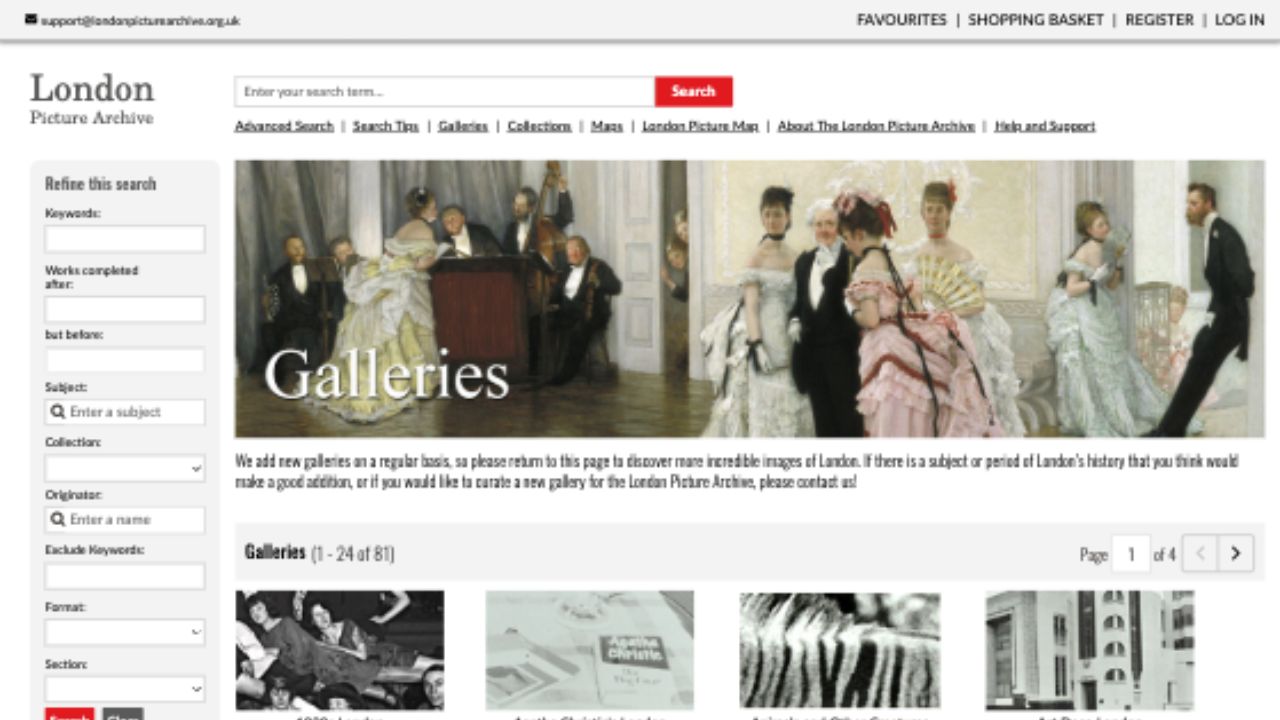
iBase gives teams multiple ways to group and share assets while keeping the underlying security model intact for internal work, external review and public presentation.
Control who can see assets, view specific metadata fields, download files or make changes before any sharing route is opened up.
Create themed selections for internal use, public presentation or external review without exposing the wider asset library.
Use lightboxes, shareable collections and check-out controls to support review and teamwork inside or outside the organisation.
Sharing tools can support public discovery, partner access, supplier review and campaign workflows while keeping versions, metadata and permissions aligned.

Build selections around themes, projects, campaigns or exhibitions so users can work with meaningful sets rather than raw folders.

Let users gather, compare and share selected material while keeping the source records governed inside iBase.

Share files and selected metadata to social platforms while controlling which version and which fields travel with the asset.

Use folder, collection and metadata permissions to give outside users access to only the content they need.
Collections, permissions and version rules help content teams move faster without turning the DAM into an unmanaged file drop.
Keep sensitive folders, fields and files hidden from users who do not need access.
Use lightboxes and curated selections to support feedback, approval and collaboration workflows.
Expose approved content through portals, galleries or external routes while retaining control of the source repository.