Upload
Uploading Assets
Add files to iBase and follow the basic asset creation flow.
 Book a Demo
Watch practical walkthroughs for uploading, editing metadata, searching, downloading, sharing, collections, workflow states and page content.
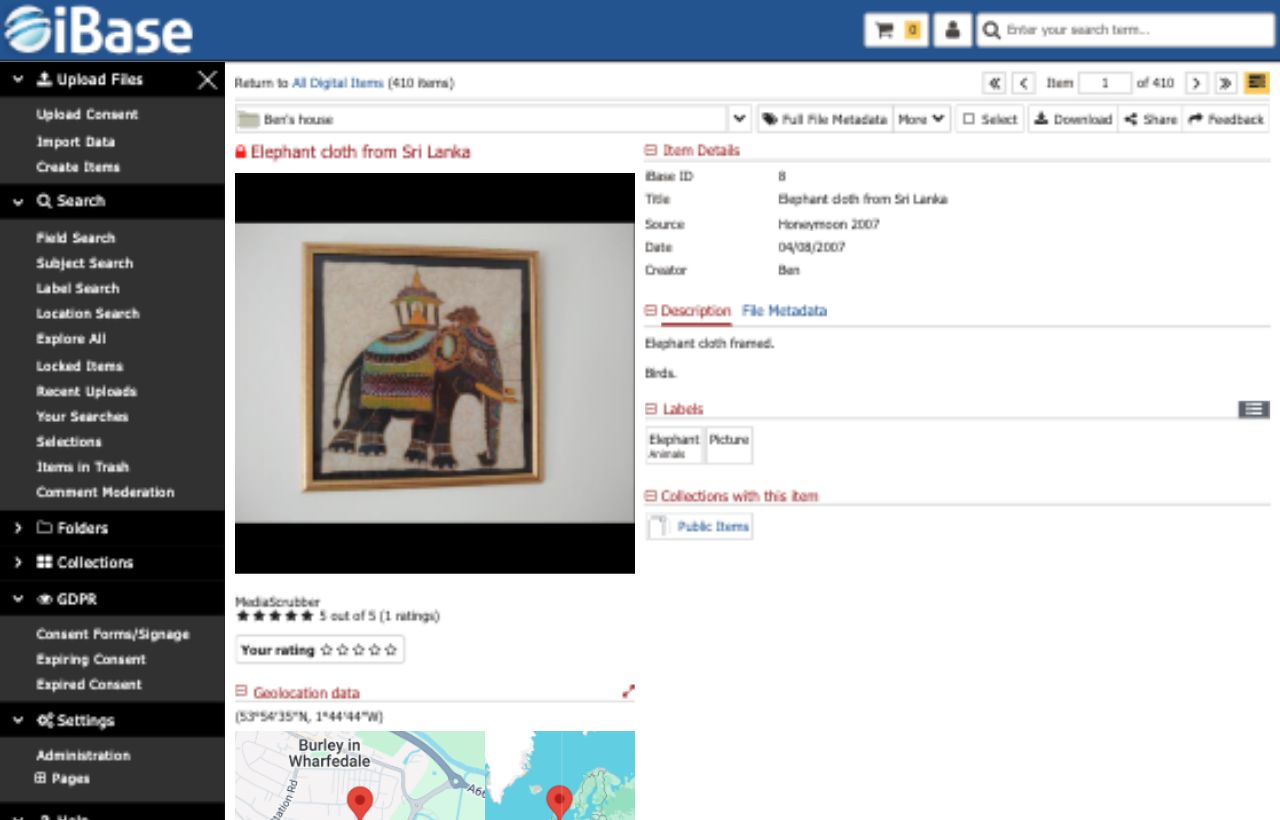
Use the videos for quick walkthroughs, or open the written help pages when you need more detailed task guidance.
Start with the everyday tasks most users need when adding, finding and delivering assets.
Add files to iBase and follow the basic asset creation flow.
Find assets using iBase search tools and filters.
Download approved assets in the right format for your task.
Maintain useful asset records with single-item editing and efficient batch updates.
Edit descriptive metadata for individual assets.
Apply shared updates across groups of assets efficiently.
Share selected assets and organise reusable groups with collections.
Share assets with other users or external recipients.
Create and manage collections for grouped content.
Use these tutorials where your iBase setup includes workflow states or page content tools.
Use workflow states to track content progress.
Understand the page content editing area.
Adjust page-level settings that control structure and publishing behaviour.
Use HTML blocks when page content needs a custom layout component.
Create and publish pages with the content editor workflow.
Contact support if you need help applying a tutorial to your own iBase system, permissions or local workflow.