
Implementation
Installation and Configuration
Set up users, permissions, metadata schemas, workflows, public routes and administration settings around the way your organisation manages assets, with the scope agreed before implementation begins.
 Book a Demo
iBase supports the practical work around a DAM project: requirements, configuration, hosting, migration, integration, training and ongoing support. The aim is to launch a system that reflects your content, users, infrastructure and day-to-day collection workflows.
Services are shaped around your assets, metadata, users, governance needs and deployment model, so the system launches with workflows your team can actually use.
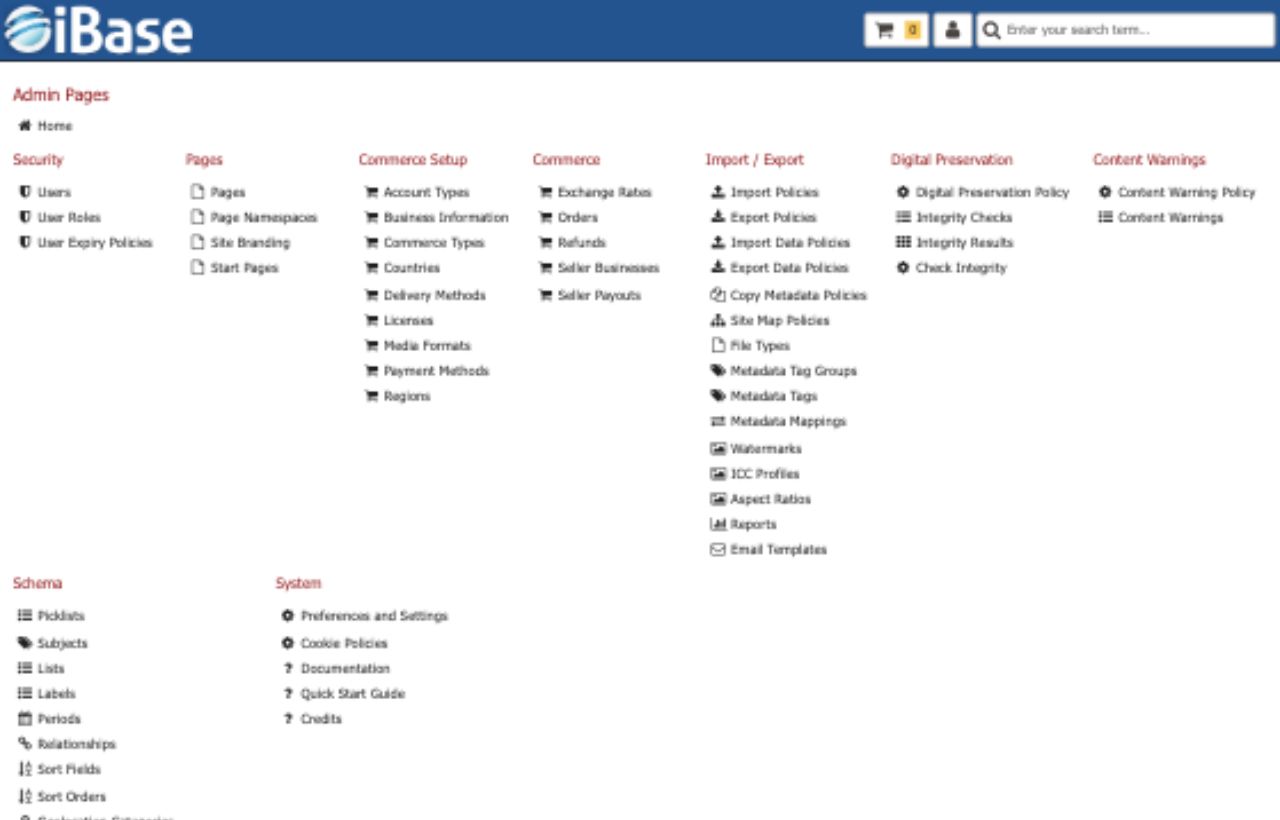
Set up users, permissions, metadata schemas, workflows, public routes and administration settings around the way your organisation manages assets, with the scope agreed before implementation begins.

Map files and metadata from folders, spreadsheets, text files, databases or legacy systems into structured iBase records, with validation steps to reduce risk before launch.

Choose managed cloud hosting or deployment into your own infrastructure, with guidance around resilience, storage, access, security and platform requirements including operating system and database choices.

Connect iBase with websites, collection systems, content systems, ecommerce routes or scheduled imports using an integration pattern that fits the job.

Help administrators and everyday users understand search, metadata, upload, download, permissions and administration with training focused on real tasks.

Cloud subscriptions include support, with support contracts available for on-premises clients who want assistance cover and access to discounted upgrades.
Implementation support is not just a handover call. The practical work can include hosting evidence, migration validation, integration planning, recorded training, administrator support and agreed support routes that continue after launch.
Cloud deployments can use AWS London hosting, load-balanced application servers, resilient asset storage, regular database backups and AWS versioning to help protect against accidental deletion or overwrite. Additional replication and recovery planning can be discussed where a collection needs extra resilience.
Installation is included as part of the iBase solution. Configuration is specified before implementation begins, so permissions, schemas, workflows, public routes and any customisation work are understood before launch.
Migration can start with a review of source data, then move through mapping, import, duplicate checks, validation reports and training on the migrated structure.
Integrations can use the iBase API, flat files, scheduled imports, watch folders or two-way connections with content, commerce and collection management systems.
Training can be delivered by video call and screen share, recorded for later distribution and focused separately on everyday users, content managers, administrators and IT staff. Initial training is commonly split into short focused sessions so teams can absorb the main system and administration tasks.
Support can cover product questions, configuration, workflow issues, integration needs, monitoring conversations and practical changes as the DAM settles into everyday use.
For client-hosted deployments, iBase can provide requirements for server resources, storage, databases and deployment environments, including AWS or Azure where appropriate.
A good iBase project begins by understanding the content, metadata sources, audiences, publishing needs and constraints around governance or hosting.
Clarify asset volumes, file types, current pain points, user groups, approval steps, reporting needs and the daily tasks the DAM needs to support.
Shape fields, controlled vocabularies, taxonomy structures, item relationships and validation rules around the way your organisation describes content.
Plan roles, secure folders, metadata visibility and workflow access before users begin relying on the system.
Support public search, curated collections, licensing, ecommerce, multilingual routes or specialist portals where approved content needs to reach wider audiences.
Move legacy material into iBase with mapping, cleansing, import and review steps that reduce risk before launch and help teams understand the new structure.
Prepare administrators and everyday users for the workflows they will use most, then support changes as the repository evolves.
iBase has supported museums, archives, councils, research bodies and commercial image libraries through migration, configuration, launch and long-term operational change.
Agree what needs to be configured, migrated, integrated and supported before implementation begins.
Help administrators and users get comfortable with the search, upload, metadata and sharing workflows they will use every day.
Support changes as collections, portals, users, integrations and governance needs evolve after launch.