Drag and Drop Upload
Upload files straight from your desktop or file manager into the browser. Single files, multiple files and folder hierarchies can be brought into iBase without a separate transfer tool.
 Book a Demo
Bring files into iBase by browser upload, drag and drop or watched folders, while preserving metadata, detecting duplicates, creating versions and applying the controls needed for safe long-term asset management.
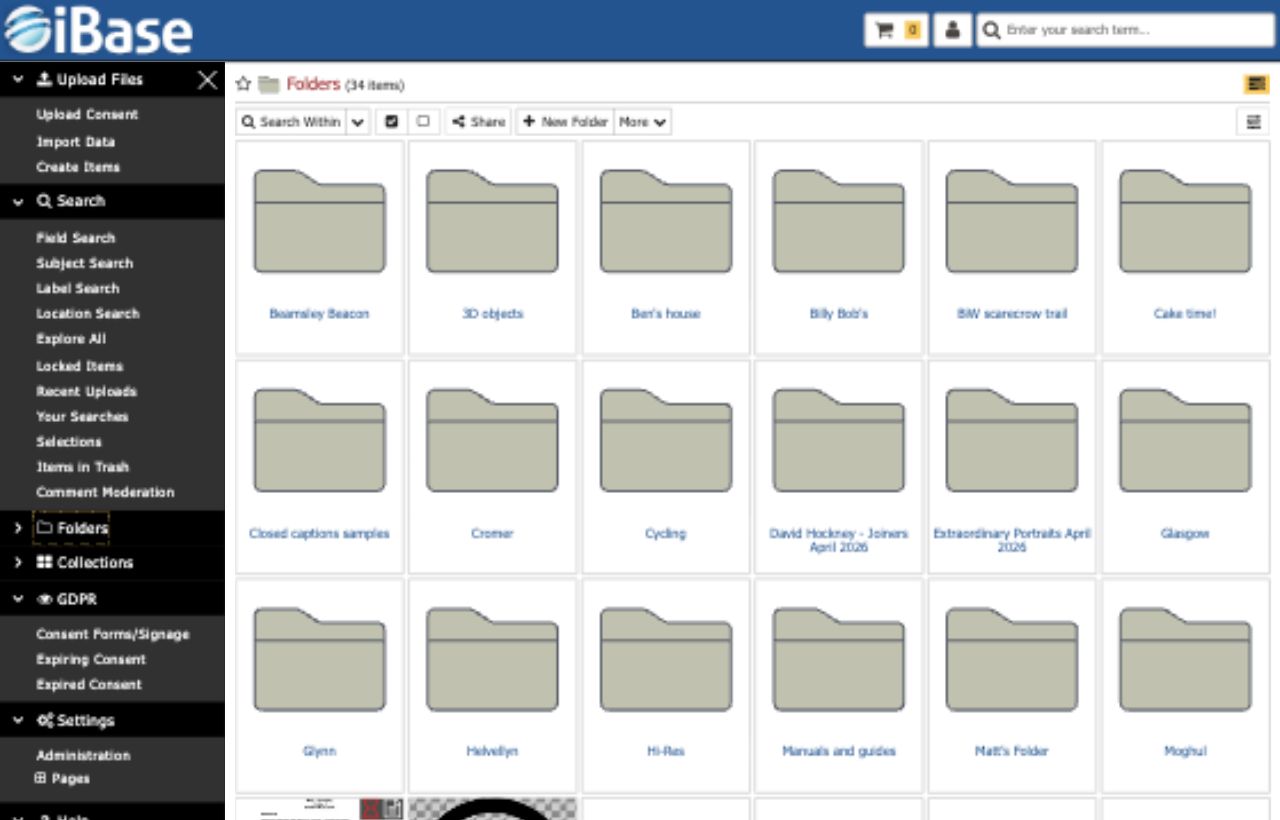
iBase supports quick manual uploads and repeatable ingest workflows, so teams can add individual files, large batches, folder structures or regular incoming content without losing track of metadata, versions or security rules.
Upload files straight from your desktop or file manager into the browser. Single files, multiple files and folder hierarchies can be brought into iBase without a separate transfer tool.
Import any type of file, generate previews for common image, video, sound and document formats, blacklist risky file types and set file size or upload-volume limits where uploads need extra protection.
Monitor network hot folders and import new or changed files on a schedule. Watch folders can also support bulk metadata imports from spreadsheet files.
Pick up entire folder structures during import, flattening them where useful or recreating the structure in iBase to preserve familiar context.
Uploading is not just file transfer. iBase can capture embedded metadata, create usable derivatives, identify duplicates and apply automation that helps new material become searchable and reusable more quickly.

Hash-based duplicate detection checks whether an uploaded file already exists, even when filenames differ. Duplicates can be allowed or rejected according to local rules.

Technical and descriptive EXIF, IPTC and geolocation metadata can be mapped into iBase fields and made searchable, with import priorities available where similar values appear in multiple places.

Image files can be scanned and tagged with suggested keywords, each with a confidence score so weaker suggestions can be filtered before they clutter the record.

Create configured versions of image, video or sound files during upload, with different sizes, formats, compression settings and aspect ratios for different uses.
Uploaded assets can be protected and prepared for downstream use at the same time, with watermarking, derivative files, metadata rules and folder-level controls supporting safer sharing and publishing.
Add text, image or logo watermarks to generated image and video versions. Size, opacity and position can be configured around your reuse policy, including placement anywhere within the visible frame.
Limit file sizes, upload volumes and blacklisted file types where required, so open contribution routes can still sit inside a managed DAM process.
Folder hierarchies can be imported with their structure intact, reducing manual setup and helping migrated content keep its original context.