
Content
Manage Page Content
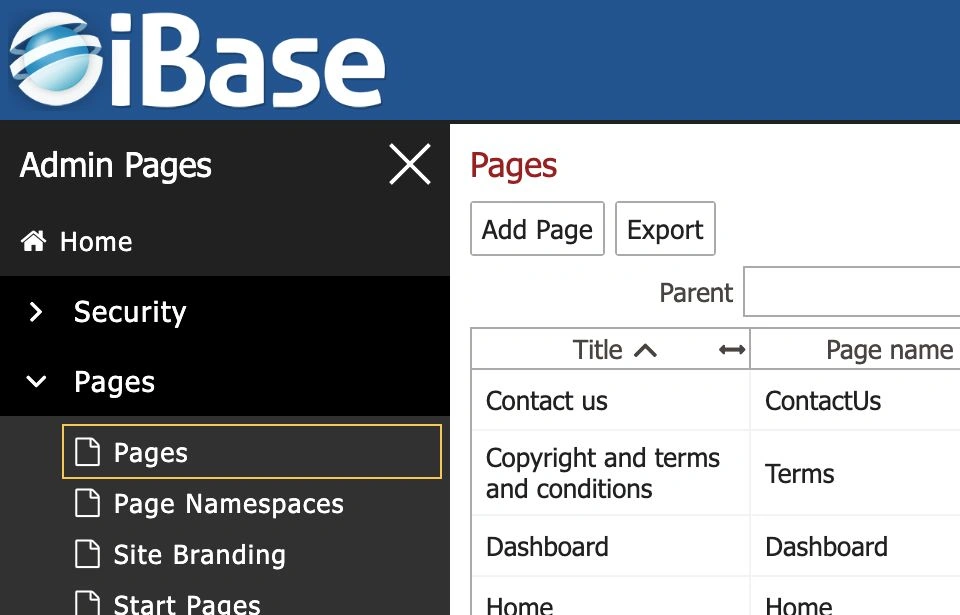
Users with page permissions can manage management-site or public-site pages through Pages and Add Page. The page list can be filtered by Parent, Namespace, Site and Filter.
- Open the navigation menu and choose Pages.
- Use Add Page to create a new page, or use the page list to open, edit or delete an existing page where your role allows it.
- When adding or editing a page, check Page title, Name, Namespace, Parent and Site.
- Review search and site-map fields such as Include in site map, Modify frequency, Importance, Window title and Description.
- Use Require a session?, Edit page content, Page Content Editor, Page Metadata and Page History according to the local publishing workflow.
- Use Preview, Update, Discard Changes, Add Component and Switch version carefully when editing page layout or content.
- Use the public site link to check public-facing pages after approved changes are made.
- Choose Update or Update and Open only after checking the page settings.
Note: page content is a configuration and publishing task. Keep local approval procedures separate from ordinary asset metadata workflows.
Work with Consent and GDPR Areas
The GDPR menu gives access to consent forms, signage and consent expiry workflows. These areas help teams track whether content can continue to be used.
- Upload Consent opens Upload Consent Form/signage for adding consent records and files.
- Check fields such as Consent Type, Identifier, Location, Event Name, Purpose, Consent Start Date and Consent End Date before selecting files.
- Consent Forms/Signage stores consent-related records and supporting material.
- Expiring Consent highlights consent that needs review before it lapses.
- Expired Consent highlights content that may need restriction, review or removal.
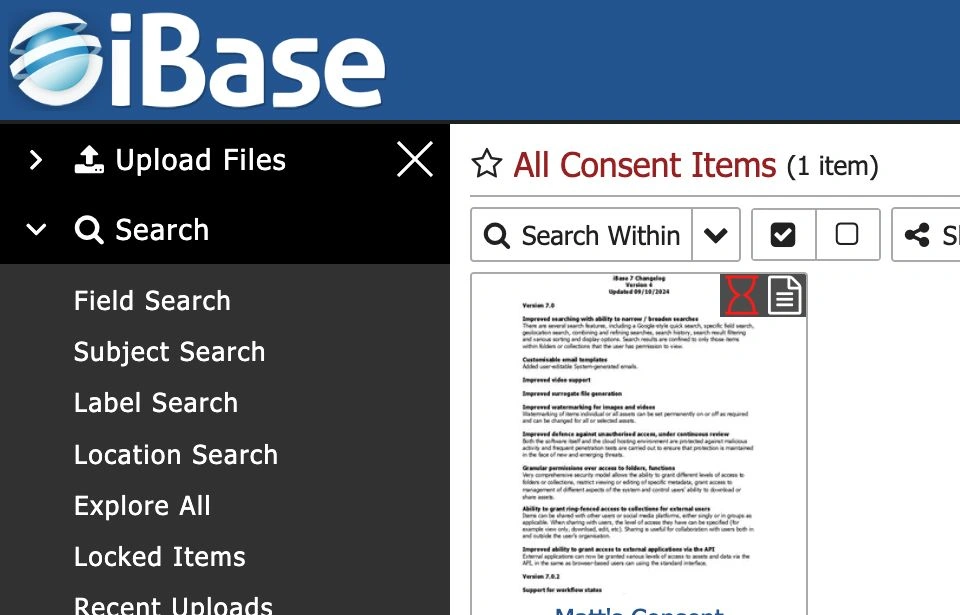
Important: do not share or publish content with unclear or expired consent until the appropriate person has reviewed it.
Review Items in Trash
The Search menu includes Items in Trash for content that may need restoration or final handling.
- Use Items in Trash to review content removed from normal result lists.
- Use Put Back when selected items should be restored.
- Use Empty Selected or Empty All only after checking retention and deletion policy.
- Treat trash like a holding area for items that may need restoration or final removal.
- Escalate uncertain recovery or deletion decisions to a System Manager.
Regular Housekeeping Tasks
- Review recent uploads for incomplete metadata, missing files or wrong destinations.
- Check expiring and expired consent lists.
- Review comment moderation and feedback queues.
- Clear obsolete selections and saved searches where appropriate.
- Use integrity and surrogate actions as planned operational tasks rather than casual result-list actions.
Moderate Comments and Feedback
Where comments or feedback are enabled, moderation keeps item discussions useful and appropriate. Item pages may show Feedback, Post comment or similar controls depending on local configuration.